
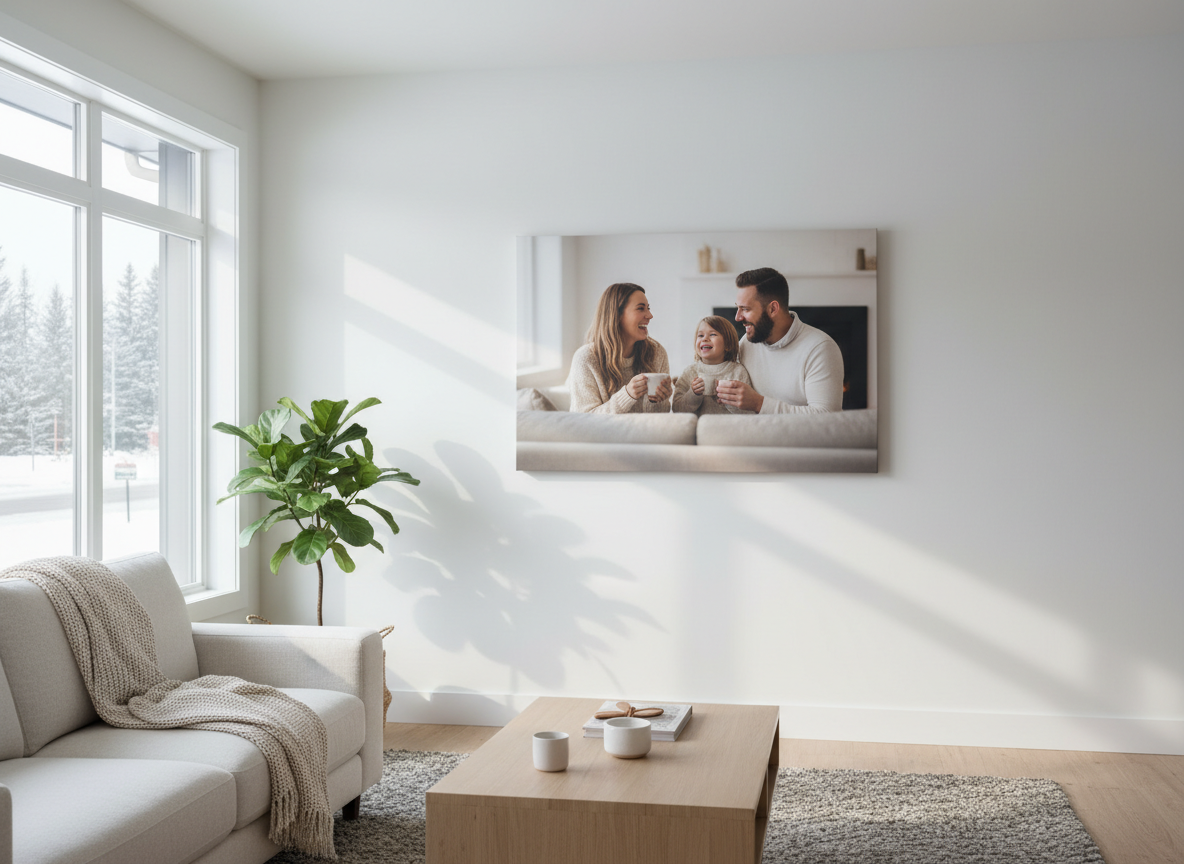
Calgary winters have a very specific kind of light: bright, reflective snow outdoors… and warm, yellow indoor lighting once you step inside. If you’ve ever looked at a photo on your phone and thought “this looks amazing,” then printed it and thought “why does it look darker or weirdly tinted?”—you’re not alone.
The good news: winter photos can look incredible on canvas. You just need a few simple adjustments before printing so your canvas print looks as crisp and true-to-life on your wall as it did on your screen.
Why winter light changes your photos
Winter light in Calgary tends to be:
- Cooler (bluer) outdoors, especially on overcast days
- High contrast when the sun hits snow (bright highlights + deep shadows)
- Mixed lighting indoors (warm bulbs + cool window light)
Your camera (especially phones) tries to “auto-correct” these conditions. Sometimes it nails it. Other times it creates:
- Faces that look slightly gray/blue
- Snow that turns dull or too bright
- Indoor photos that go overly yellow/orange
Canvas prints reveal what screens hide
Phones are backlit, bright, and forgiving. Canvas is physical—so:
- Dark photos can print darker
- Strong color casts can become more obvious
- Fine details look best when the image is sharp and properly exposed
That’s why a 2-minute edit can make the difference between “nice” and “wow.”
Quick edit checklist (before you upload your photo)
You don’t need Photoshop. Even your phone’s built-in editor works.
- Increase exposure slightly
Winter photos often print a touch darker than expected. Raise exposure just a bit—avoid blowing out snow. - Lower highlights
If snow or sky looks too bright, reduce highlights so the canvas keeps detail and texture. - Lift shadows
If faces are in shade (hats, hoods, indoor window light), lift shadows so people don’t print too dark. - Correct white balance
- Outdoor snowy photos: warm it slightly (reduce blue)
- Indoor photos: cool it slightly (reduce yellow)
- Add a little contrast + clarity
Canvas loves clarity. A small boost helps your print look crisp from across the room.
Choosing the right photo for a Calgary winter canvas
Some winter photos are perfect for canvas printing:
- Family snow-day photos with clear faces
- Mountain shots with strong foreground detail
- Cozy indoor holiday moments with warm tones
Try to avoid:
- Very dark indoor photos with lots of grain
- Photos where faces are tiny (canvas will magnify softness)
- Screenshots or images downloaded from social media (compressed)
Size matters: match the canvas size to your photo quality
A simple rule:
- If it looks sharp when you zoom in on your phone, it’s usually safe.
- If it gets blurry/pixelated when you zoom, keep the canvas smaller.
If you want a large statement canvas (like above a sofa), choose:
- A high-resolution phone photo (newer phones are great)
- A DSLR photo
- A professionally shot image
Cropping for impact (and avoiding awkward cuts)
Before ordering, decide what the canvas should feature.
- For portraits: keep eyes near the top third
- For landscapes: keep a strong focal point centered or slightly off-center
- Leave breathing room around heads/hands so nothing gets cut off
Why canvas is a perfect fit for Calgary homes
Canvas prints work especially well in Calgary because they:
- Add warmth and texture during long winters
- Reduce glare compared to glass frames
- Look great in modern open-concept spaces and cozy family rooms
Final tip: print what you actually want to see every day
The best canvas prints aren’t always the “perfect” photo. They’re the ones that bring you back to a moment—first snowfall, a mountain weekend, a holiday gathering, a kid laughing in a snowbank.
If you want your winter photos to look stunning on your wall, a quick edit + the right size choice makes all the difference.